

Aktywne do:

Dokumentacja
Unit settings: View
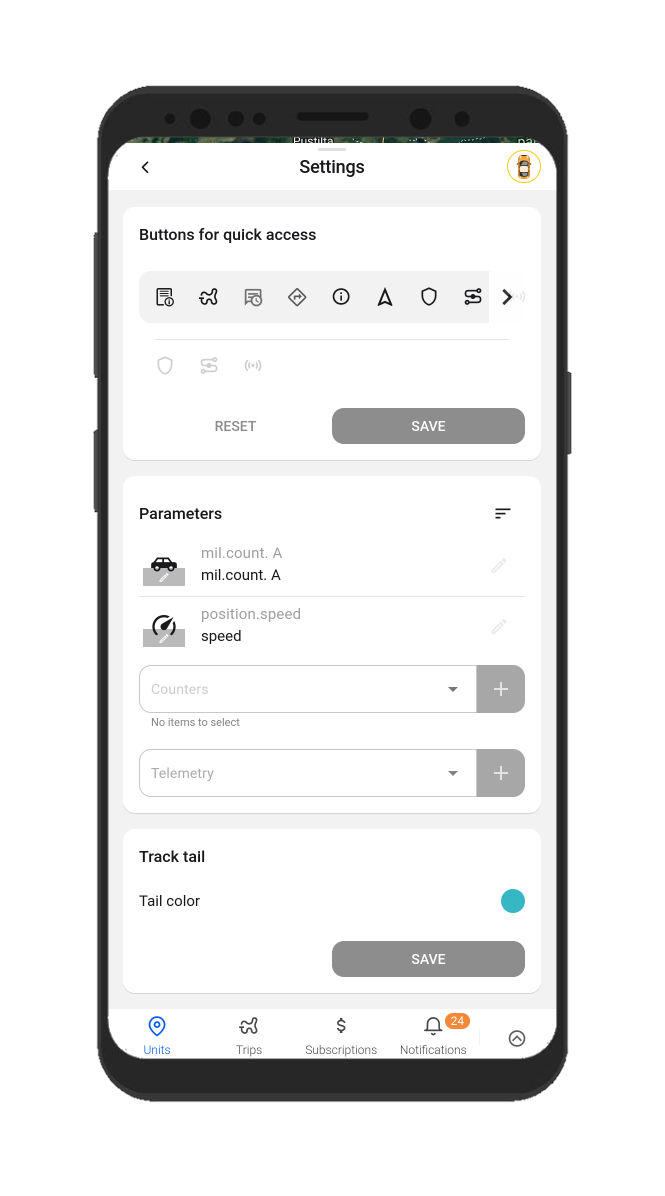
The View tab sets how the unit card is displayed.
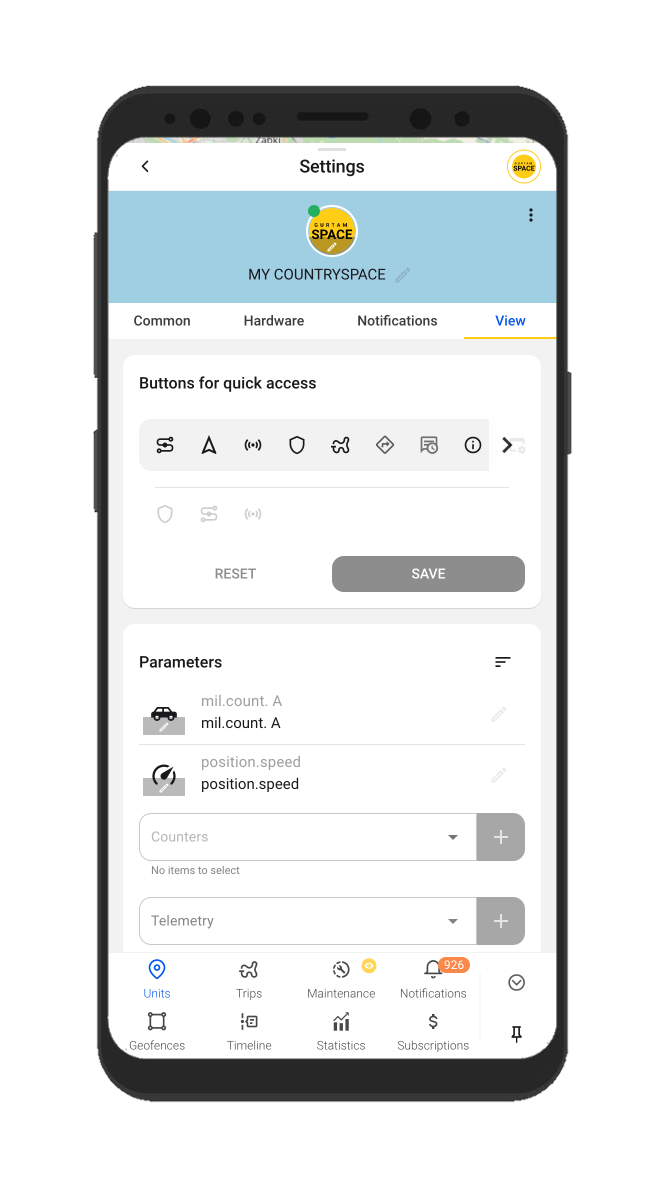
- Buttons for quick access. The shortcut buttons shown on the card. The buttons can be sorted and hidden.
- Parameters. The Counters (mileage counters) and the Telemetry parameters received from the device that are shown on the unit card. Parameters can be added, named and sorted.
- Track tail and Tail color. The color of the track tail of the unit. With the Sharing feature used for several units, the tail color settings are kept and applied.