


Aktywne do:

Dokumentacja
Trips
The Trips tab lists the trips and stops of a unit for the selected day. It opens from the Trips tab of the application or from Unit menu → Trips. The day is selected above the list.
Each trip and each stop is a card with the duration, mileage, max. and average speed and estimated fuel consumption. Selecting a card shows the trip or stop on the map. The icon of a trip or stop that has not finished is highlighted in yellow.
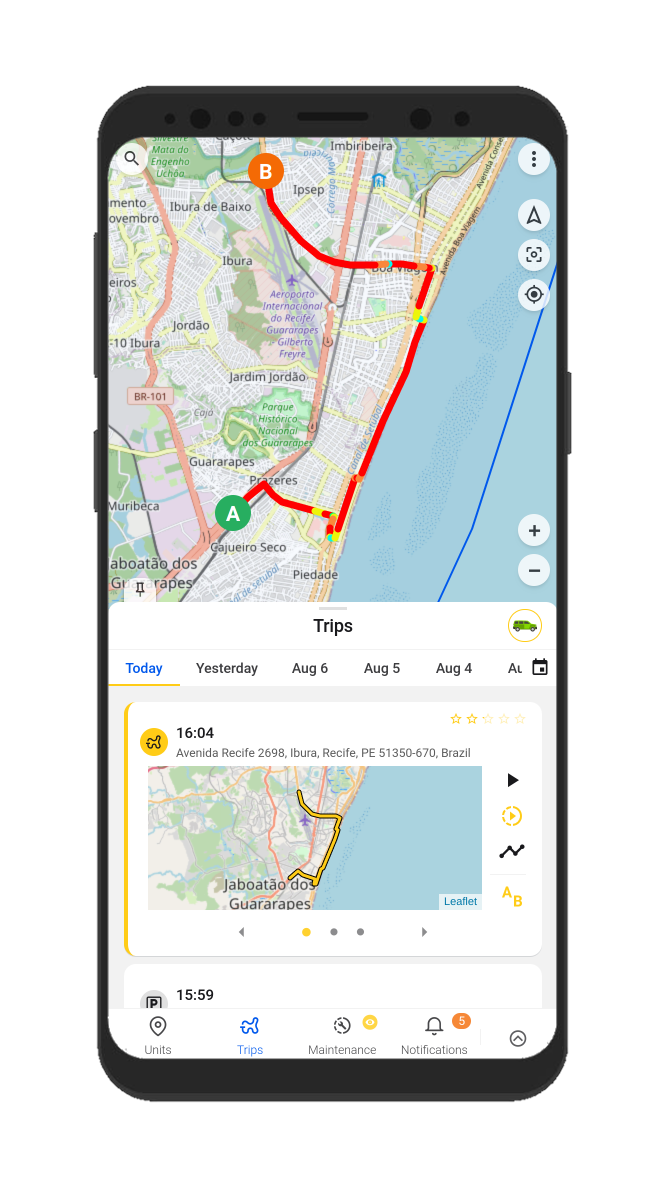
Trip card
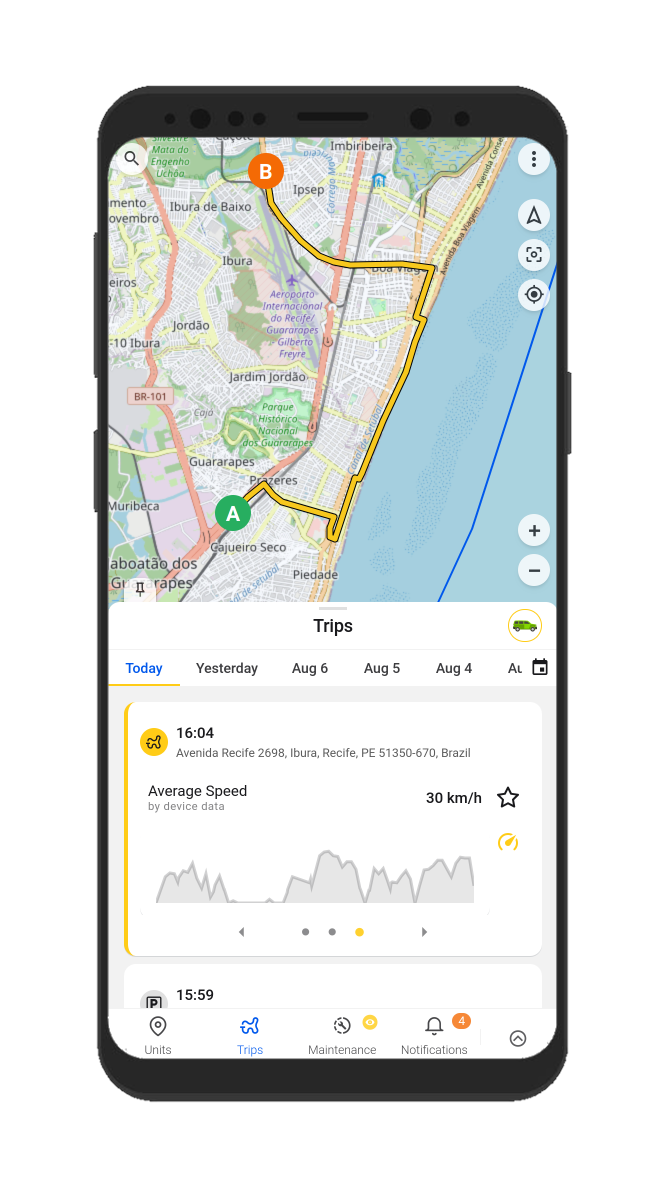
A trip card consists of several slides. It offers:
- Smooth track playback.
- The track colored by the speed of the unit.
- Display of the track points.
- Icons for the start and end of the track, turned on or off.
- The estimated trip with a graph of the unit speed.
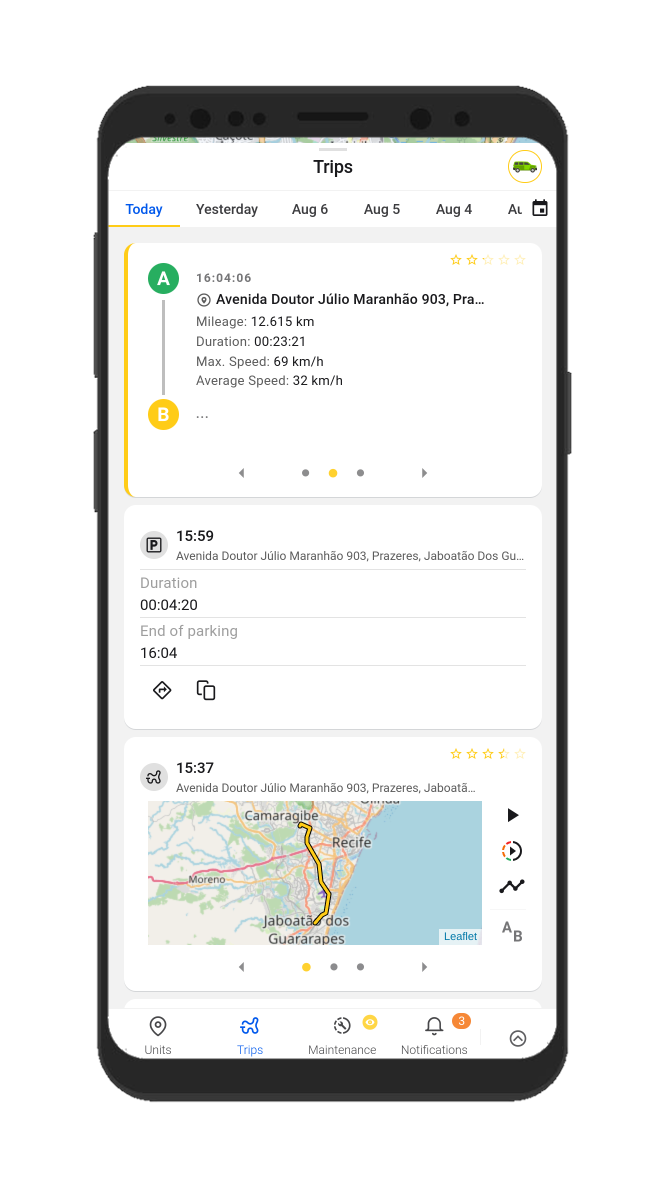
Stop card
A stop card offers:
- Building a route to the stop.
- Sharing the coordinates of the stop.