

Aktywne do:

Dokumentacja
Unit's detailed page
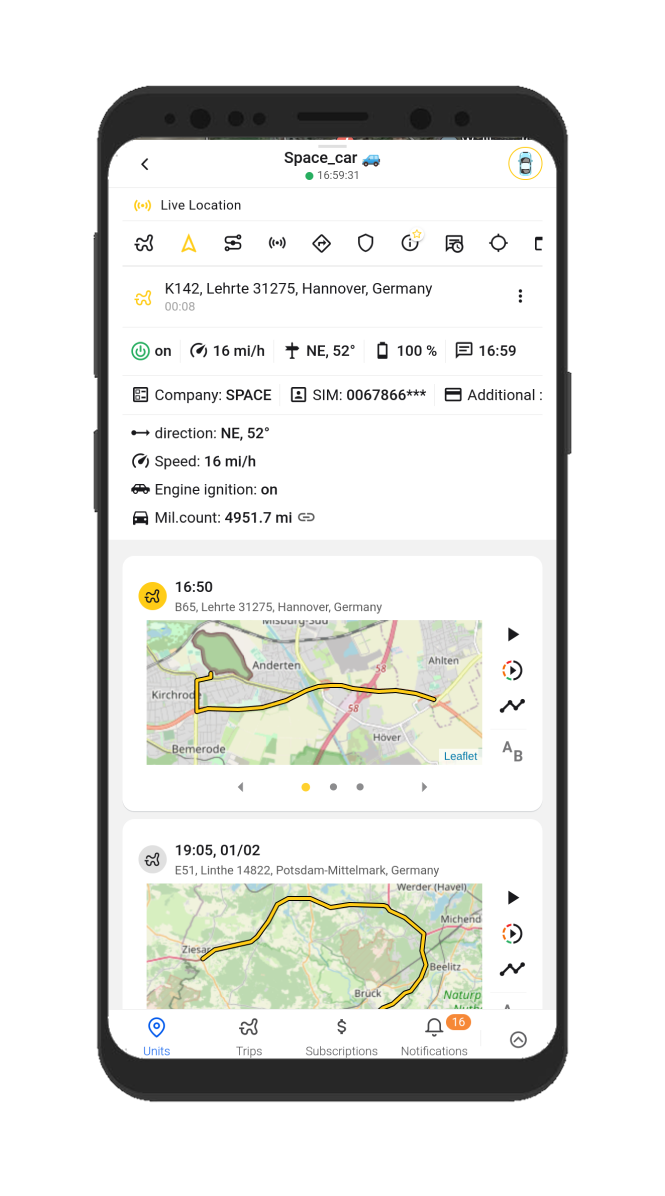
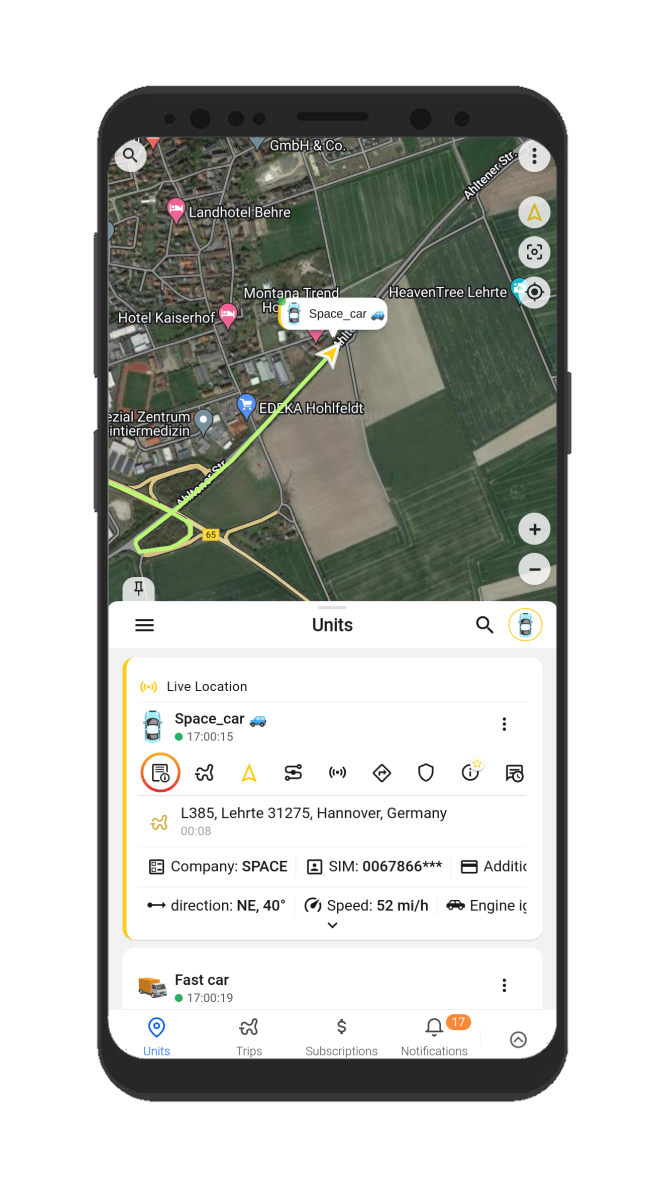
The detailed page of a unit shows detailed information about the selected unit. While it is open, the map shows only this unit and hides the others.
The page holds:
- The quick access toolbar.
- The address of the unit and its status (trip or stop).
- The priority parameters panel.
- The additional fields panel.
- The parameters field.
- All trips of the unit.