

Aktywne do:

Dokumentacja
Interface
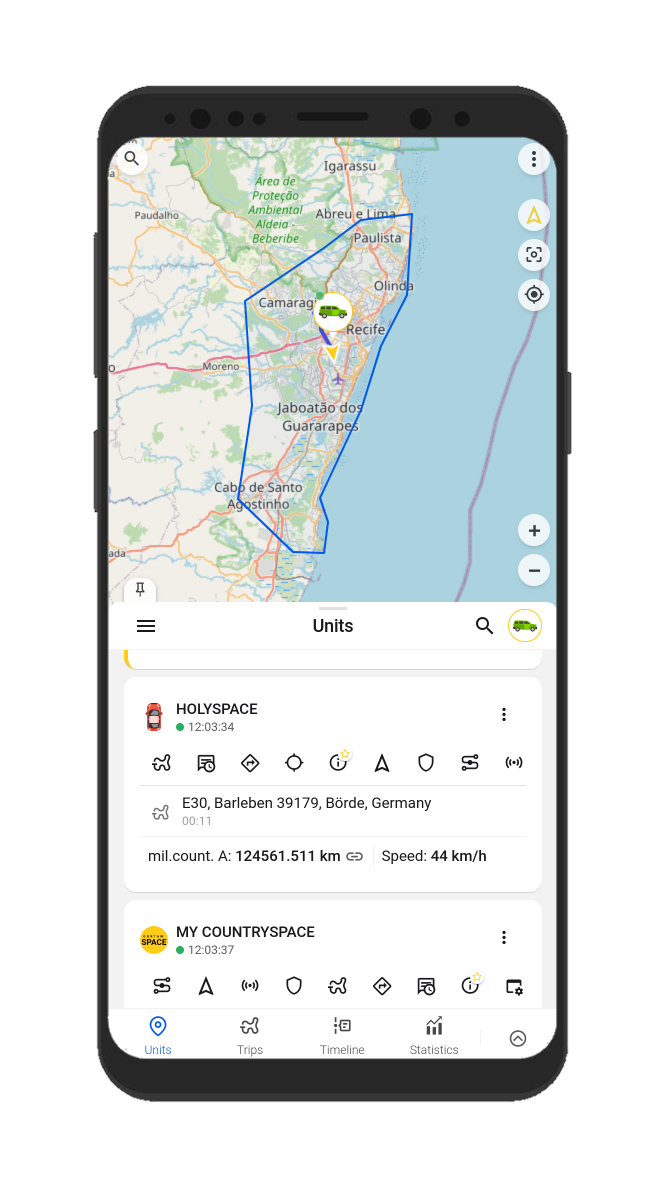
The interface has four parts:
- Navigation bar. Switches between the available tabs of the workspace and manages them.
- Workspace. The content of the open tab. Some tabs have additional tools: a unit selection menu, a search line that finds data on the tab, a menu (the button at the right in the search bar) and a date picker string.
- User menu.
- Map.