


Aktywne do:

Dokumentacja
Commands panel
The Commands panel sends commands to the device from the application. With a Premium subscription, own commands can be created and sent from it.
The panel is available for many device types. When it is available for a device, its icon is shown on the unit card.
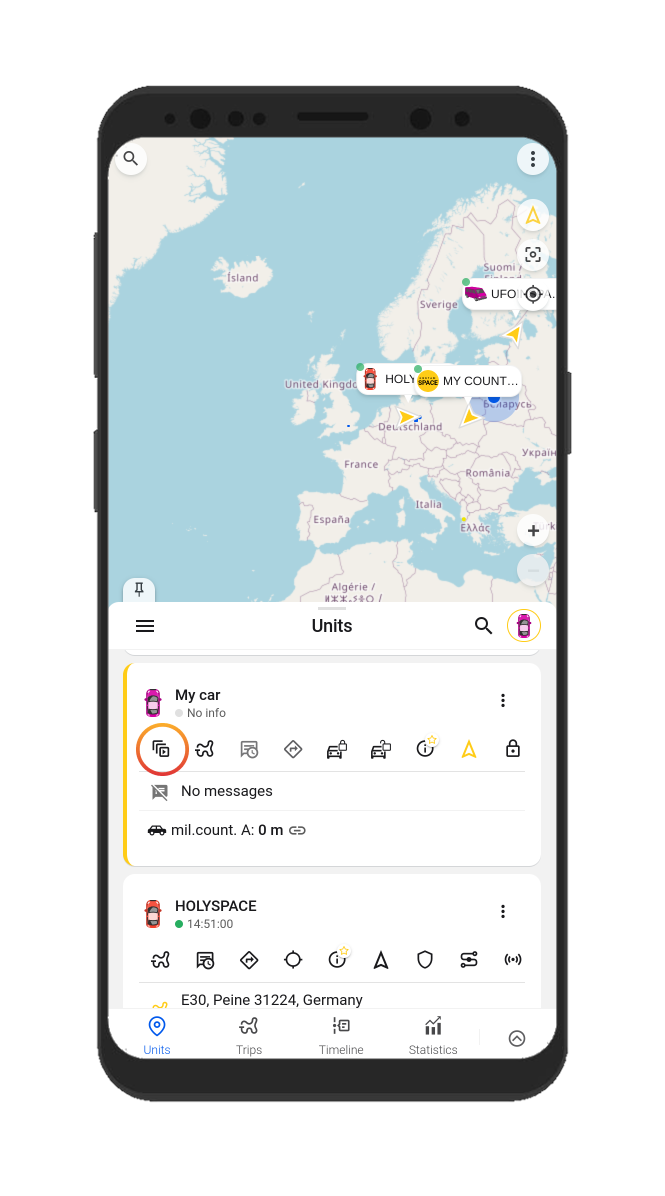
For some device types, pre-configured commands are listed in the Actions field. They are available without a Premium subscription and are also shown on the unit card as icons.
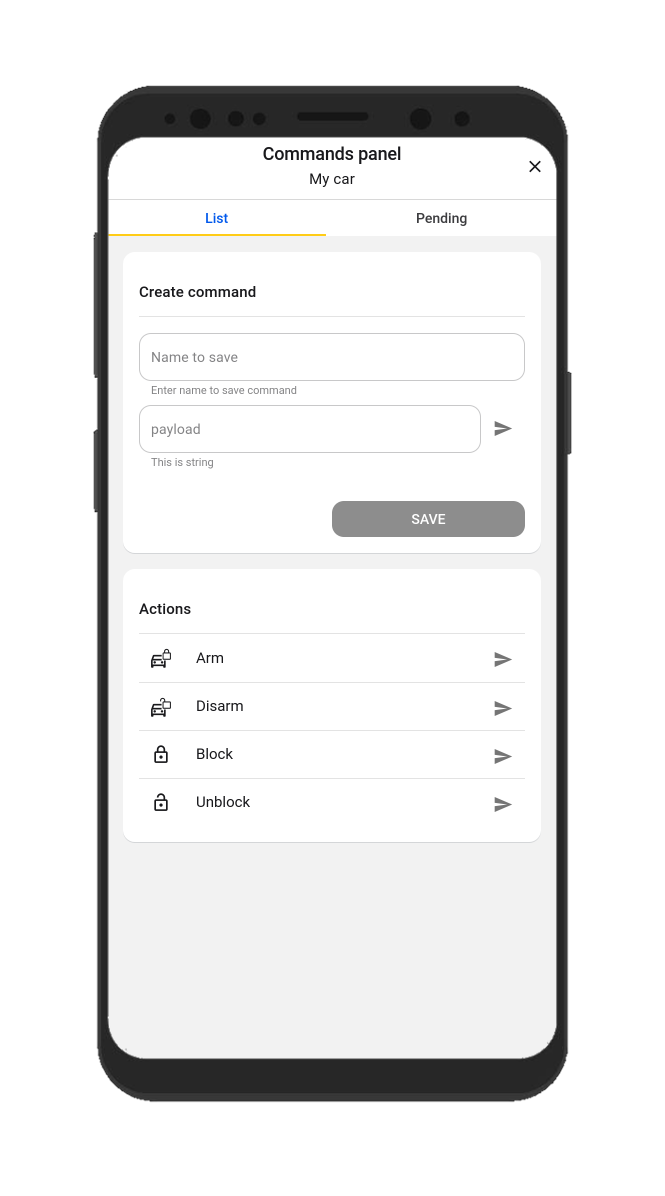
The syntax of commands is given in the documentation of the device manufacturer.
Note: A command is executed immediately only if its syntax is correct, the device is installed and connected to the vehicle, and the device is connected to the system.