


Aktywne do:

Dokumentacja
Create a unit
A unit is created in a step-by-step form.
- Open the form: select the unit selection field and then Create unit, or open the menu of the Units tab with the three horizontal lines in the upper left corner and select Create unit.
- Select the model of the GPS device (tracker) from the list.
- Enter the tracker details: its ID (IMEI) and, if required, a password.
- Select Save.
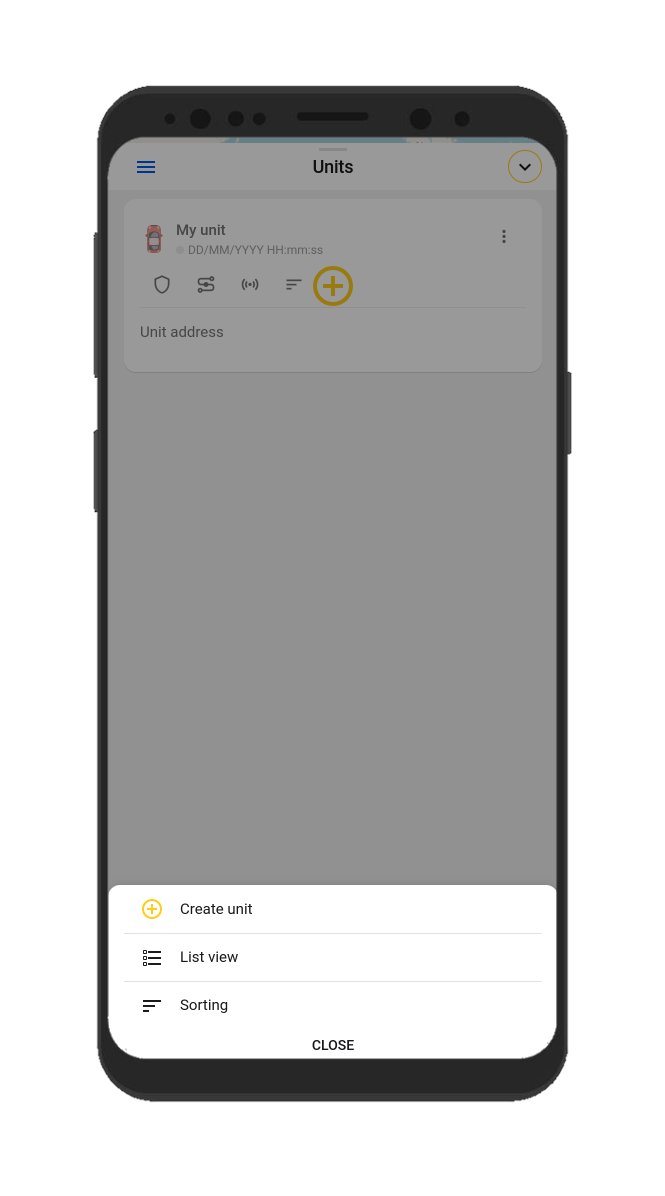
The unit is then created, and the tracker is connected to it by configuring the server address and port on the tracker.
After Save, the connection menu of the tracker shows the server address (IP/DNS) and the port the device is configured to. The same address and port are in the Hardware tab of Unit settings.
Note: The tracker needs two settings before the server and port: the APN of its mobile provider, and the time zone 0 (UTC), whatever the location.