


Документация
Types of notifications
The Types of notifications screen sets up the notifications to receive for several units at once. It has three tabs: Simple, Customizable and Parameter. Notifications of the Customizable and Parameter types need a paid subscription.
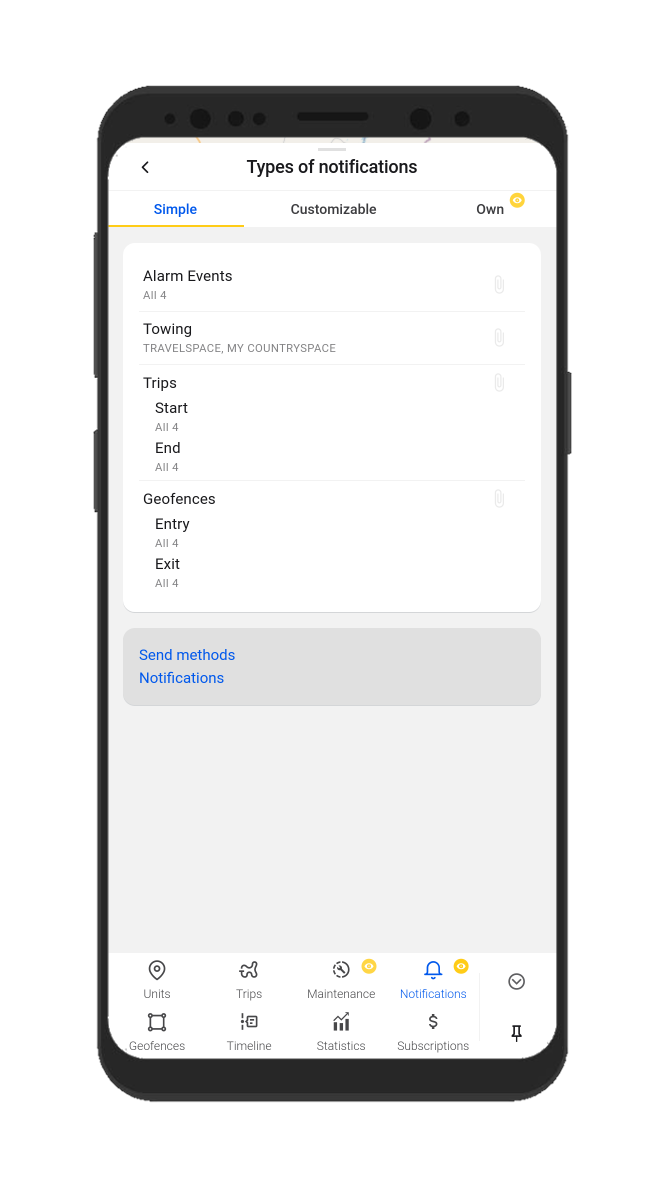
Simple
The Simple tab holds notifications by:
- Geofences: the unit enters or leaves a geofence. A notification can be set for entry only or for exit only.
- Alarm events of the device: something happened to the tracker or to the unit it is used with.
- Trips: a trip of the unit begins or ends. A notification can be set for the start only or for the end only.
- Towing: the unit moves while the engine is off.
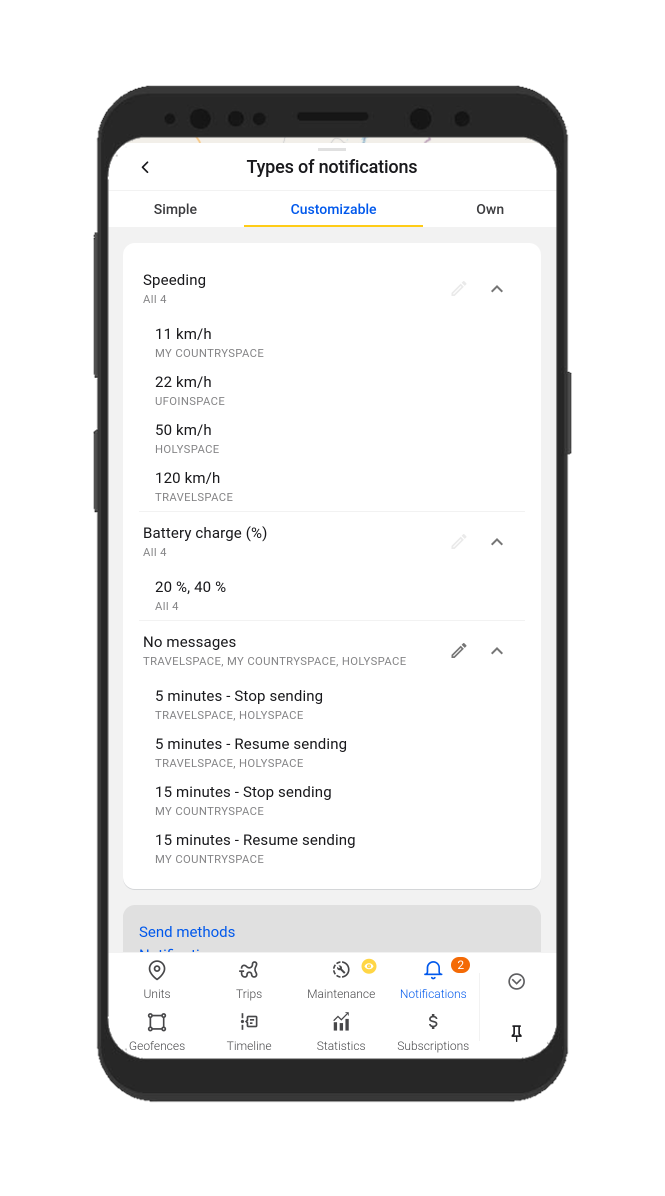
Customizable
The Customizable tab holds notifications about:
- Speeding of a unit.
- Battery charge, which can signal that the device needs charging.
- No messages from the device, which can indicate that the tracker is not connected. A time interval is set, and a notification arrives when the device has sent no messages for that time. A notification can also be enabled for the moment the device resumes sending messages.
Parameter
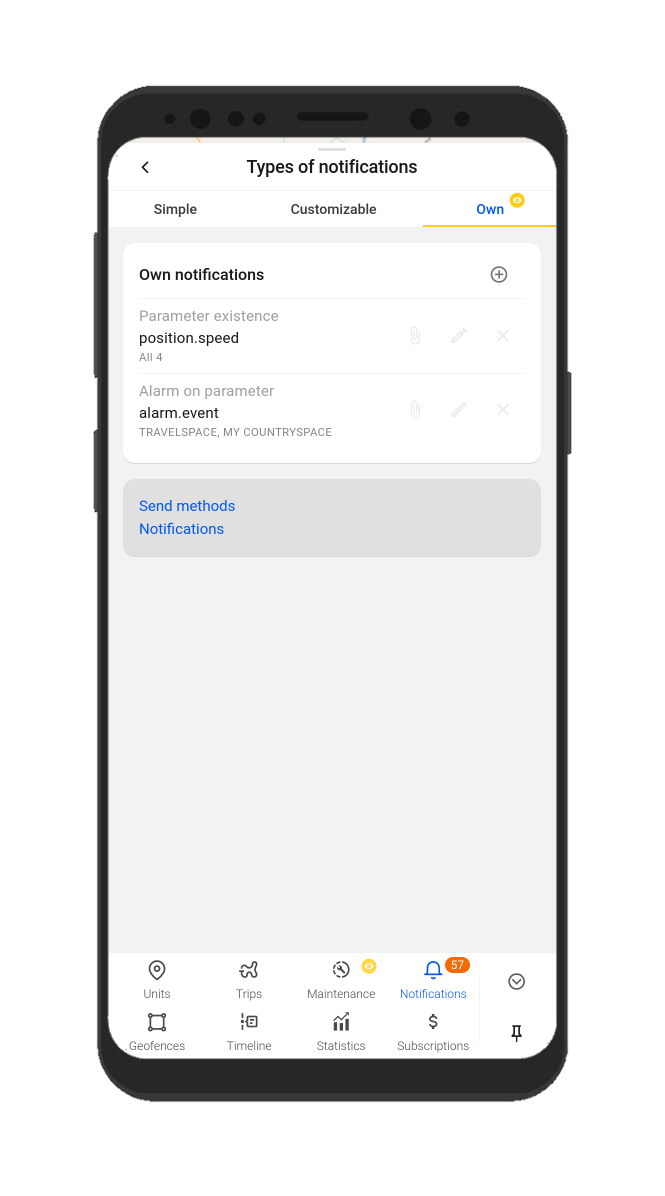
The Parameter tab holds notifications for any parameter the tracker sends, such as fuel, battery, door open or closed, or alarm activation. A notification is created by choosing one of three types and the parameter it refers to:
- Parameter existence: triggers each time the device sends the parameter. It reports that a parameter has begun to arrive.
- Alarm on parameter: for parameters with a boolean value (true or false). It triggers only when the parameter is true.
- Parameter change: triggers when the value of the parameter changes.
Delivery
For each notification, the send method (push, email, Telegram or webhook) and the units that send the required parameters are selected. See Send methods.
Note: Some notifications work only if the device sends certain parameters.